DBmarlin 6.10 with SQL Server backup monitoring, Oracle CDB/PDB support and an MCP server for AI assistants

Mick McGuinness
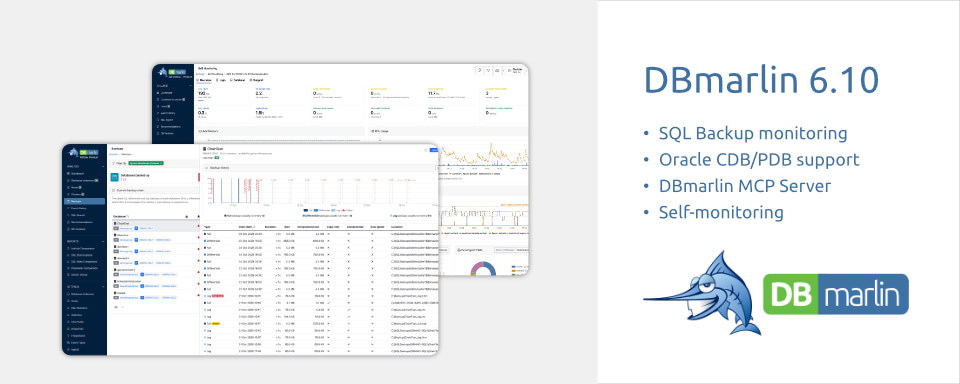
SQL Server backup monitoring, Oracle multitenant (CDB/PDB) support, an optional MCP server so AI assistants can query DBmarlin, grouped SQL statistics, instance administrators and a new self-monitoring screen.
DBmarlin 6.10 is out now. This release is about knowing that your databases are protected, seeing more of what's running on them, and making DBmarlin easier to run. Here's what's new.
SQL Server backup monitoring
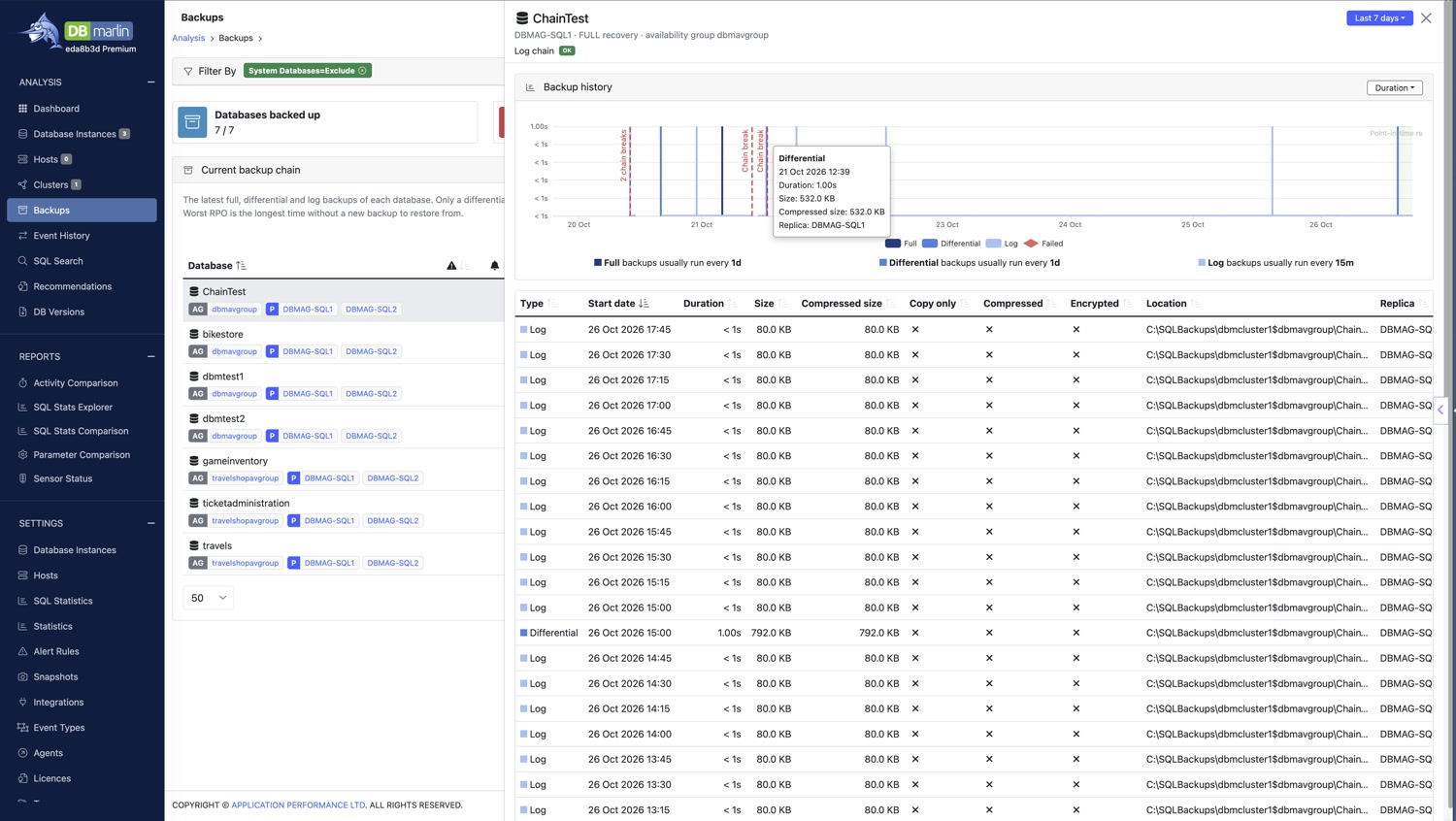
DBmarlin now monitors SQL Server for failed backups, overdue backups and broken backup chains.
A backup that silently stops running is one of the worst things to discover during a restore. DBmarlin now checks for these problems as part of normal monitoring, so you find out about a missed or failed backup, or a broken chain, before you need that backup. See the backups documentation for details.
Oracle multitenant (CDB/PDB) support
DBmarlin now supports Oracle container databases (CDBs) and their pluggable databases (PDBs).
Point DBmarlin at the CDB and you can break down activity by Database (CDB/PDB), Schema and OS User. That makes it much easier to see which pluggable database is responsible for the load on a consolidated Oracle platform. See the Oracle documentation for setup.
DBmarlin MCP server (optional add-on)
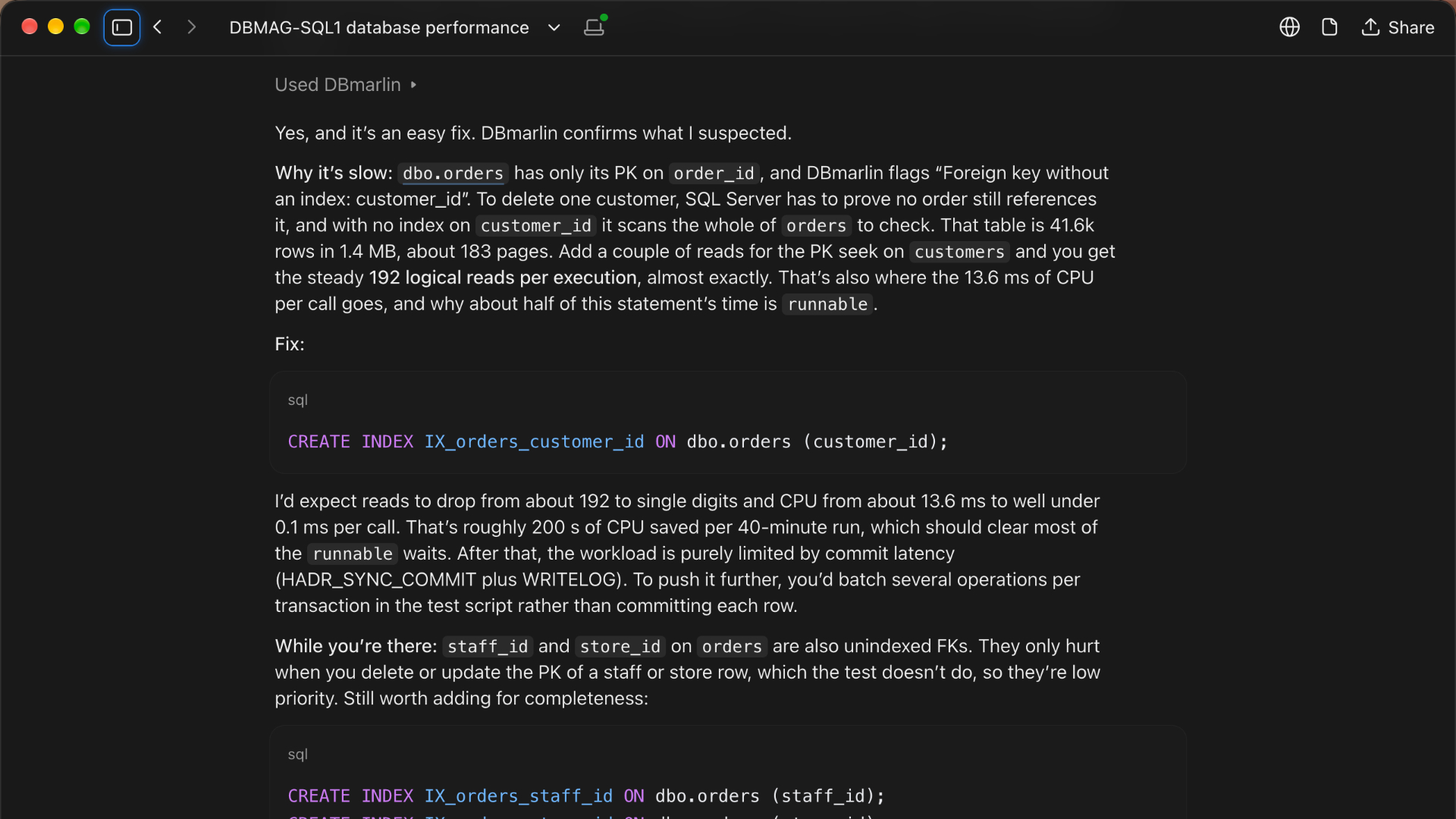
A new optional MCP server lets AI assistants such as Claude Desktop, Claude Code, Cursor and VS Code query DBmarlin in plain language.
Instead of clicking through screens, you can ask a question like:
"Triage my SQL Server instance between 9 and 10am this morning."
and let your assistant pull the answer from DBmarlin. See the MCP server documentation to get started.
Grouped SQL statistics
The Activity and SQL Statistics views have a new Statements / Grouped toggle. Grouped mode combines SQL statements that differ only by their literal values, so a query that runs thousands of times with different parameters shows up as one pattern instead of being scattered through the list. It's an easy way to spot the repeated query that is quietly costing you the most.
Self-monitoring
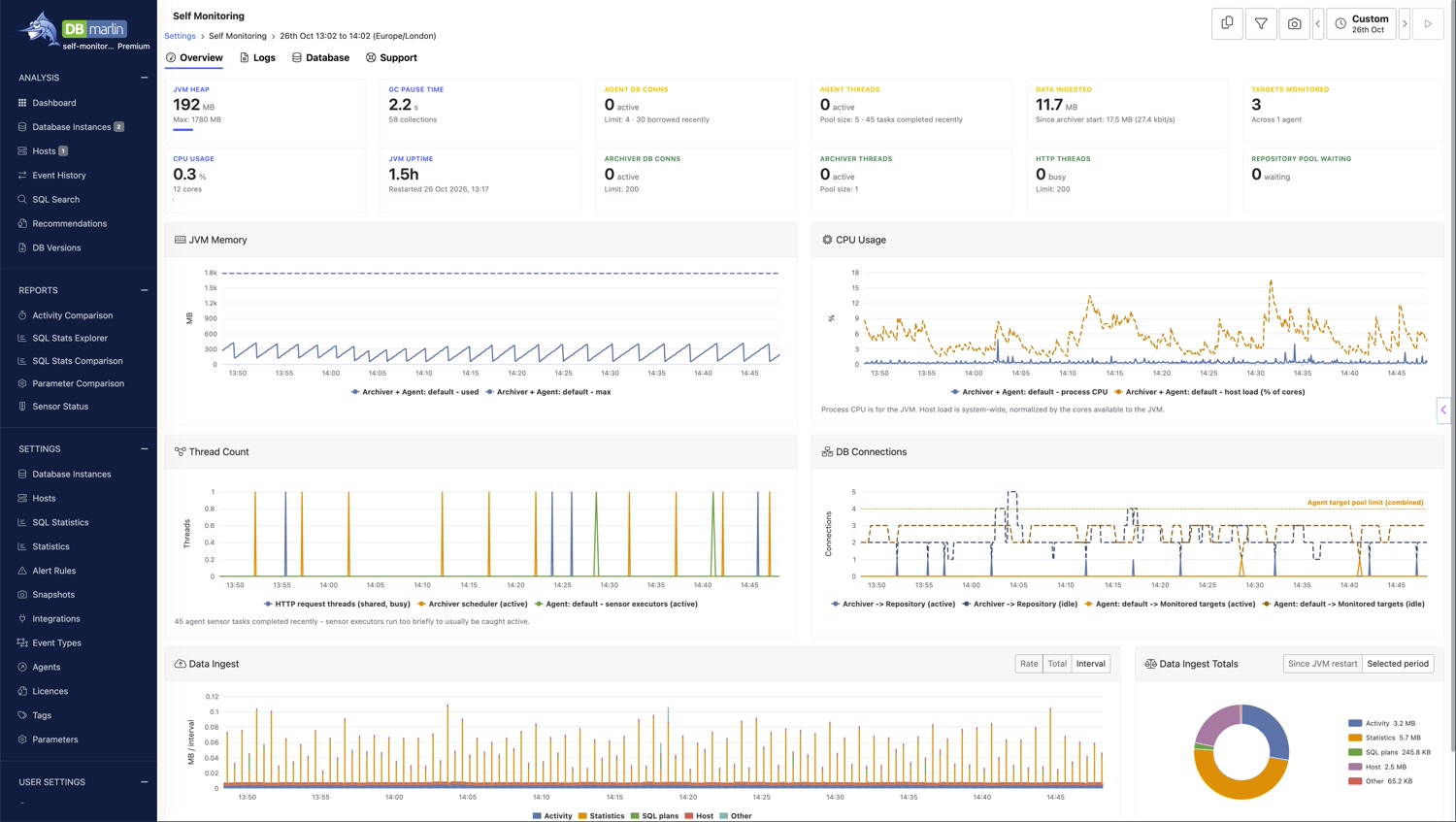
The new Self-monitoring screen shows DBmarlin's own health metrics, logs and database size, and can generate support files, all in one place. It makes it quicker to check DBmarlin itself and to gather what our support team needs if you ever have an issue.
Instance administrators
Admins can now give a non-admin login the Instance administrator role. An instance administrator can change collection settings and start or stop monitoring, but only on instances that match the tags assigned to them. Creating and deleting instances is still limited to full admins. This is useful when you want to let teams look after their own databases without giving them the keys to everything. See access control.
WinRM for Windows host monitoring
Windows hosts can now be monitored over WinRM instead of WMI. To switch, select Use WinRM in the host settings.
Windows install and upgrade improvements
- The installer lets you configure ports.
- It checks for enough disk space before upgrading.
- Install logs are saved, with timestamps, to the Tomcat log folder.
Other improvements
- AI Copilot: a new close (X) button in the top-right corner of the Copilot panel.
Fixes
- Dashboard instance tiles change colour as soon as an instance's status changes, without a browser refresh. You can also filter the dashboard by collection status.
- If you change your time zone in one browser tab, your other open DBmarlin tabs update to match.
- Event markers and executions on charts were shown in the wrong time zone when using UTC.
- The AI Copilot provider drop-down couldn't be opened.
- The "Close all" button had a transparent background.
Getting 6.10
DBmarlin 6.10 was released on 30th October 2026 and is available now. Existing customers can upgrade through the standard update process. Check the documentation for upgrade notes specific to your deployment type.
This short video showcases SQL Server backup monitoring, the MCP server and the other changes in DBmarlin 6.10.0.
👉 Upgrade today to get the latest features and improvements.
Check out the release notes for a full list of changes, including known issues.
Continue exploring DBmarlin