DBmarlin 6.4 Released - Now with dark themes and more

Mick McGuinness
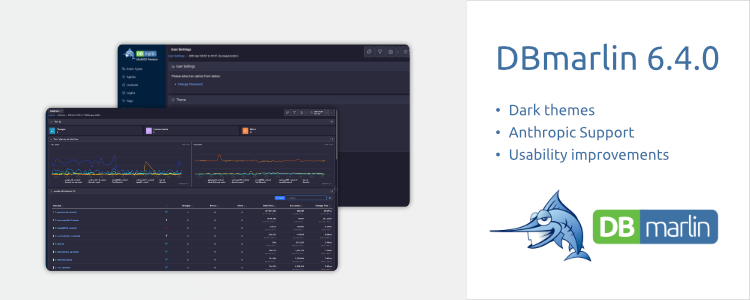
Dark themes, new AI providers and models, smarter tab visibility, faster datasource deletion and a focused update improving everyday usability across the board.
DBmarlin 6.4 is a quality-of-life release built around feedback from the field. Rather than sweeping architectural changes, this update concentrates on the things you interact with every day: the look of the interface, how features are surfaced, and ease of use. Here's what's new.
Dark themes
This has been one of the most-requested additions. DBmarlin now ships with multiple theme options accessible from User Settings → Themes.
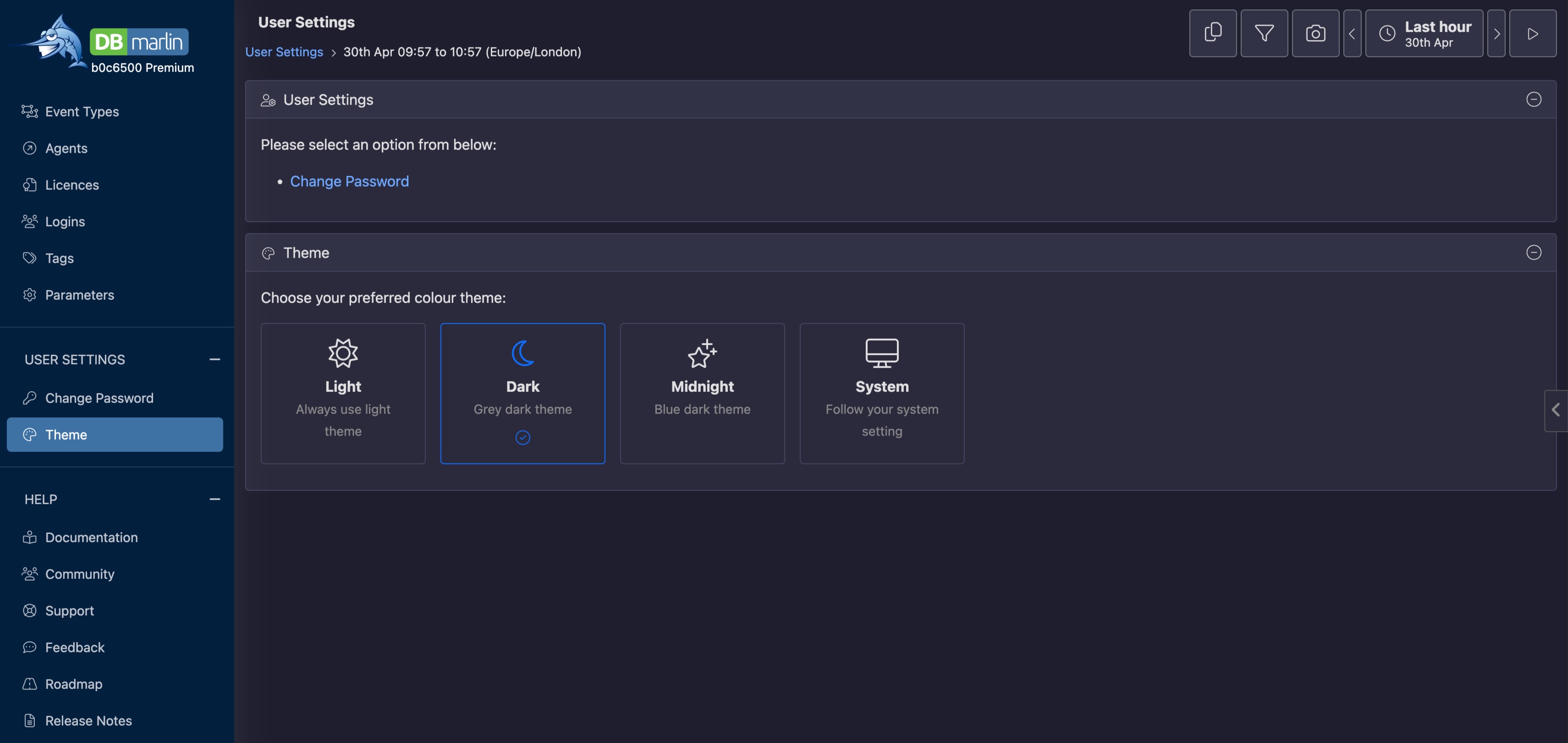
Whether you're monitoring late-night incidents in a dim NOC or just prefer reduced eye strain, you can switch the entire UI to a dark palette in seconds. Themes are stored per user, so each member of your team keeps their own preference.
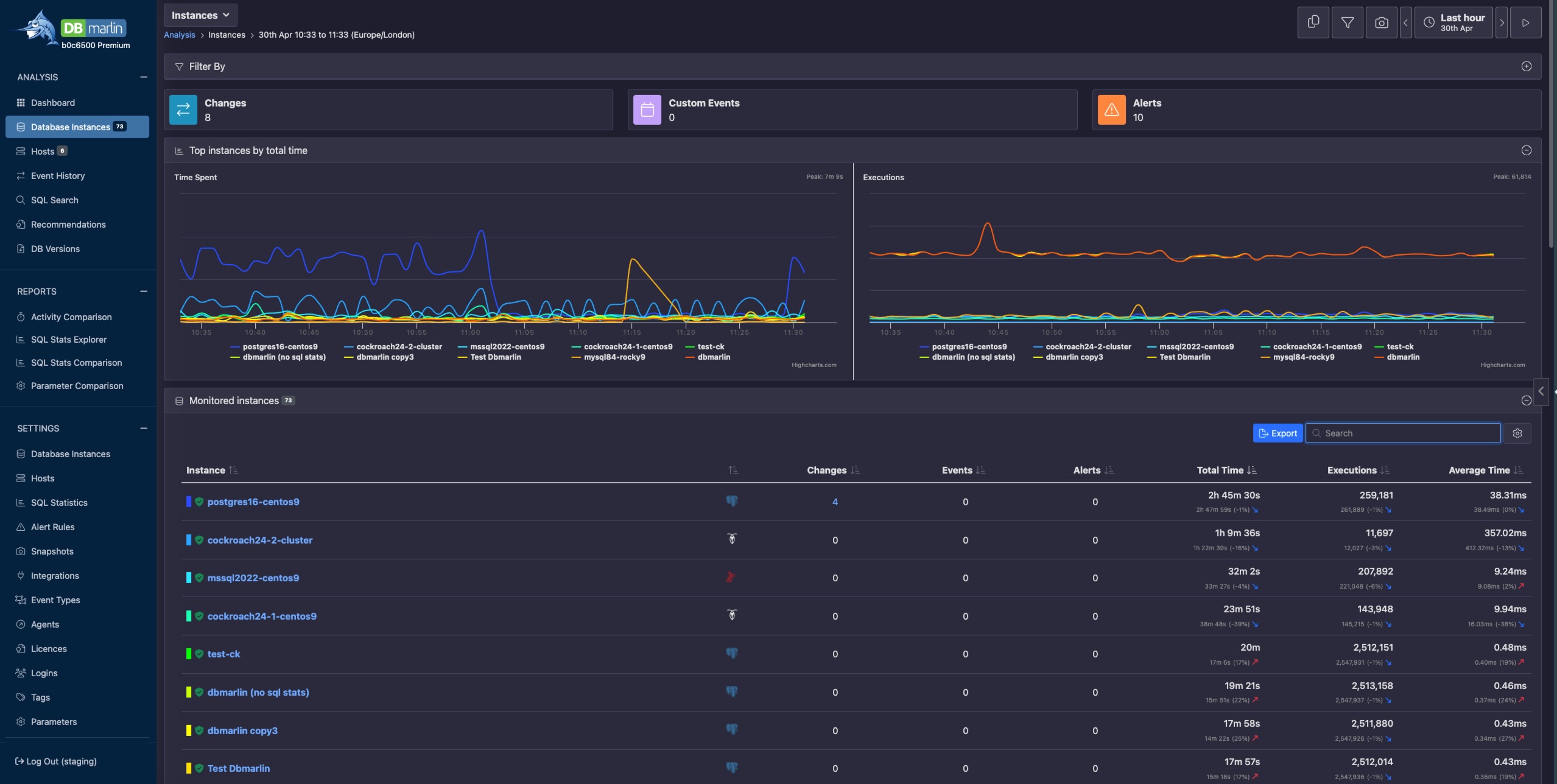
All tabs visible - even optional ones
Previously, tabs for features that weren't enabled simply didn't appear, which left users wondering whether a feature existed at all or required a different license tier. In 6.4, every tab is always shown for an instance. If a feature is available but not yet turned on, the tab renders with an explanatory message and a direct link to the settings page where you can enable it - no digging through Advanced mode menus required.
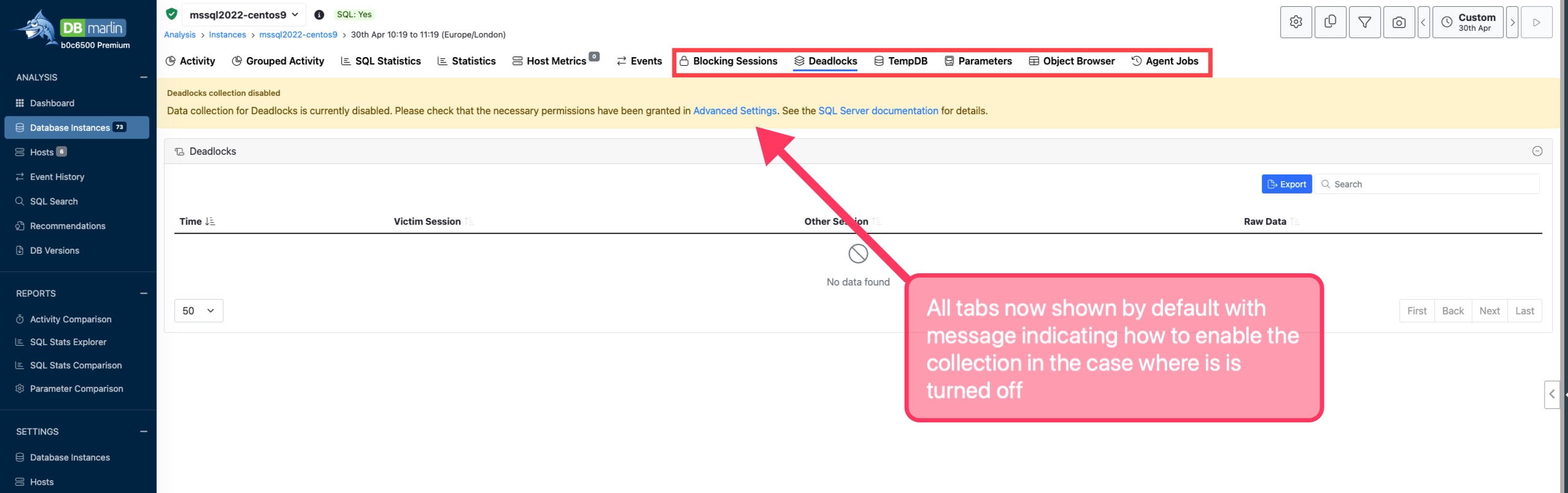
This change is particularly useful when onboarding new instances or new team members who may not know which optional capabilities are available to them.
Historical data outlasts feature toggles
DBmarlin lets you enable and disable optional monitoring features - deadlock detection being a common example - without restarting or reconfiguring your instance. From 6.4 onwards, toggling a feature off no longer hides the tab making it impossible to see a data previously collected.
AI Copilot can now troubleshoot connectivity problems
Connectivity issues are one of the most common friction points when setting up a new database instance — wrong credentials, firewall rules, listener configuration — the causes are varied and the error messages aren't always illuminating. In 6.4, DBmarlin's AI Copilot is now embedded directly into the instance settings screen. If DBmarlin can't connect, a prompt to ask Copilot appears right there in context.
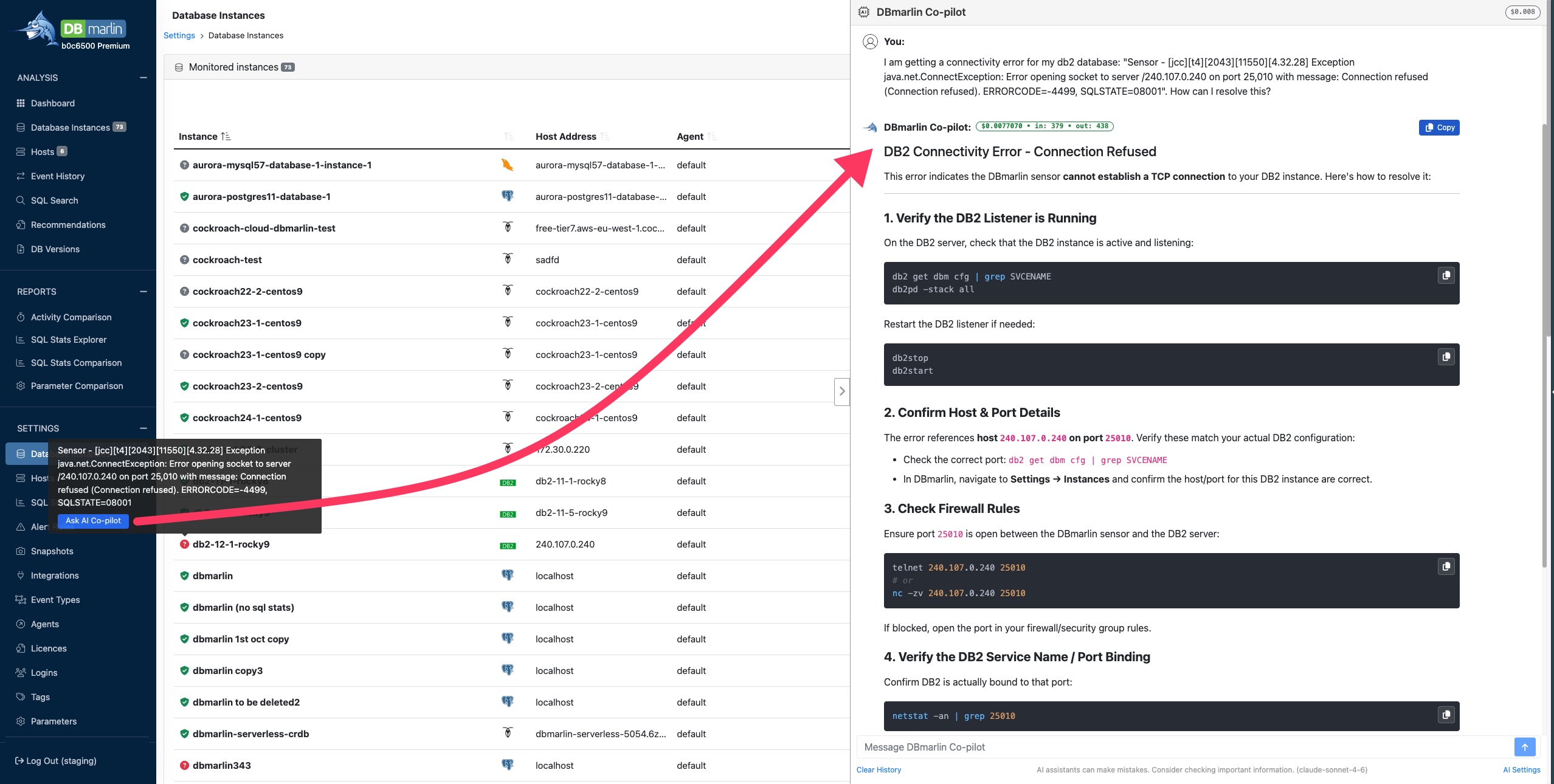
Rather than leaving you to copy an error message into a separate tool or trawl documentation, Copilot reads the situation and suggests likely causes and remediation steps specific to your database type — whether that's Oracle, SQL Server, PostgreSQL, or any of the other supported platforms. It's a small change in the UI, but a significant time-saver when you're troubleshooting under pressure.
Faster datasource deletion
Deleting a datasource in earlier versions could be a slow, resource-intensive operation. DBmarlin would attempt to purge all associated data in a single pass, which sometimes timed out or put noticeable load on the database. In 6.4 the deletion is decoupled from the data removal.
When you remove a datasource, it disappears from the UI immediately. The underlying data then ages out naturally on the same purging cycle used for all other data retention, meaning no sudden spikes, no timeouts, and no surprise load on your backend. It simply goes away quietly in the background, as it should.
Getting 6.4
DBmarlin 6.4 is available now. Existing customers can upgrade through the standard update process. Check the documentation for upgrade notes specific to your deployment type. As always, the full release notes cover every fix and change in this version.
👉 Upgrade today to get the latest features and improvements.
Check out the release notes for a full list of changes.
Continue exploring DBmarlin