The Role of AI in Database Performance Monitoring

Summer Lambert
When performance drops, the hardest part is often finding out why. Teams dig through dashboards, query history, and deploy logs. It takes time and rarely points to a clear cause right away. Sometimes many teams need to be involved in the investigation, which burns valuable resources.
AI can speed this up. If a query starts to behave differently, or if a plan changes after a schema update, the system flags what’s changed and helps you focus your investigation faster.
You're still in control. The system just gets you closer to the root cause with less manual work, which means that you can resolve the issue faster.
Make tuning more informed
AI-supported tools like DBmarlin provide recommendations that might include identifying missing indexes, suggesting query rewrites, or tuning database or system parameters. These recommendations can guide teams toward faster problem resolution.
The benefit is the speed at which problems can be resolved and the time and resources that can be saved by letting AI do the analysis for you. It can crunch the data much faster than even the most experienced database professionals. This can often mean that you can resolve the issue faster without having to pull in many different teams to triage and troubleshoot.
Where DBmarlin fits
DBmarlin gives teams the visibility they need to understand what’s happening inside their databases. It captures query performance, execution plans, wait events, and resource usage over time, and presents all of it in a visual timeline you can explore and annotate.
You can track the impact of each deploy, compare performance before and after changes, and drill into specific queries or wait states with full context. Whether you're a developer, SRE, or DBA, DBmarlin gives you the data you need to troubleshoot performance issues and improve system behaviour without relying on separate tooling or guesswork.
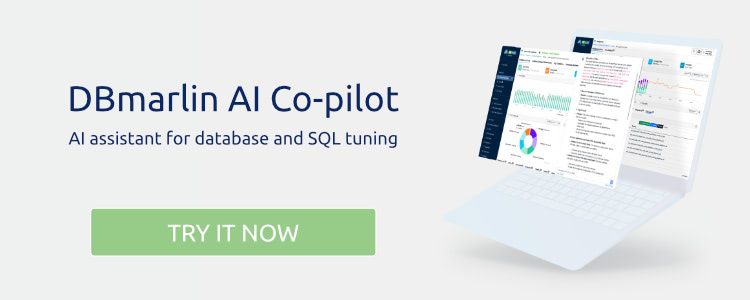
Now, with the introduction of DBmarlin AI Co-pilot, the platform adds a layer of assistance that works in context. The AI Co-pilot is available from any screen in the UI. One click opens a slide-out panel where you can ask direct questions about what you’re seeing. It’s designed to help you interpret the data already in front of you.
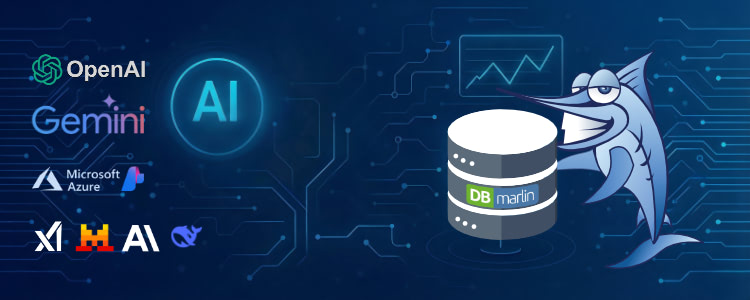
In DBmarlin v5.11 we announced support for the very latest models from OpenAI and Google. These models are breaking previous benchmarks and providing even better insights for your database performance monitoring needs.
You’ll also find "Send to DBmarlin Co-pilot" buttons throughout the product. These offer automatic recommendations for things like reducing wait events or tuning SQL statements. Suggestions may include adding or adjusting indexes, rewriting queries, partitioning large tables, using materialised views, or even adjusting database parameters. The goal isn’t to automate changes, but to surface options that are actually relevant to your workload.
The Co-pilot doesn’t remove your judgement or control. It supports your work with fast, practical guidance, tied directly to real performance data.
DBmarlin remains focused on giving teams clarity over complexity. With DBmarlin Co-pilot, it’s now easier to move from “something changed” to “here’s what to do about it” without slowing down or switching tools.
Want to try it out?
👉 Want to see how DBmarlin can help your organisation? Start your free trial today.
Continue exploring DBmarlin